

Interactive whiteboards: what schools regret not checking early
Interactive whiteboards can transform classroom engagement, but many schools later discover costly gaps they failed to evaluate at the start. For procurement teams, early oversight in compatibility, durability, training, and long-term maintenance can lead to budget strain and poor adoption. This guide highlights the most common issues schools regret missing, helping buyers make smarter, lower-risk purchasing decisions.
Why scenario-based evaluation matters before buying Interactive whiteboards
Procurement teams often compare Interactive whiteboards by screen size, price, and headline features. That approach looks efficient, yet it misses the real reason many education projects underperform: the same product can work well in one classroom scenario and fail in another. A board that performs smoothly in a small primary classroom may struggle in a large lecture room, a shared STEM lab, or a school with weak network infrastructure.
For buyers, the key question is not simply whether Interactive whiteboards are “good,” but whether a specific model fits the teaching environment, user behavior, technical support level, and replacement cycle of the school. When schools regret a purchase, the problem is usually not the concept of interactive display technology. It is the mismatch between product assumptions and real operational conditions.
This is especially important for centralized procurement, multi-campus rollouts, and public tenders. A wrong decision scales problems across dozens or hundreds of rooms. In contrast, a scenario-led purchasing process reduces total risk, improves teacher adoption, and protects long-term budget efficiency.
The most common school scenarios where Interactive whiteboards are used
Schools do not use Interactive whiteboards in one uniform way. Procurement teams should first classify where and how the boards will be used. The most common scenarios include general classrooms, specialist subject rooms, hybrid teaching spaces, teacher training rooms, and shared multi-purpose halls. Each has different technical and operational priorities.
Scenario 1: Standard classrooms need reliability more than feature overload
In most schools, standard classrooms represent the largest volume purchase. This is where procurement mistakes become expensive. Many schools focus on feature-rich Interactive whiteboards, then find that teachers mainly need dependable writing, quick lesson launch, clear display, and easy connection to existing laptops or school accounts.
What schools regret not checking early is startup time, interface simplicity, and whether teachers can operate the board without repeated IT support. If teachers need multiple steps to connect devices, switch inputs, save notes, or open lesson content, usage declines quickly. In a high-frequency classroom environment, friction matters more than premium features.
Buyers should also evaluate viewing angles, anti-glare performance, and pen responsiveness under normal classroom lighting. A board may test well in a showroom but perform poorly in a sunlit classroom with mixed seating positions. For general classroom procurement, reliability, ease of onboarding, and low maintenance usually deliver more value than advanced tools that remain unused.
Scenario 2: STEM, language, and specialist rooms require better compatibility
Specialist learning spaces place different demands on Interactive whiteboards. In STEM rooms, teachers may need precise annotation over diagrams, support for scientific software, and stable connection with document cameras, tablets, microscopes, or external PCs. In language classrooms, audio clarity and screen-sharing flexibility may matter more than complex whiteboarding tools.
A common regret is assuming software compatibility is universal. It is not. Some schools discover too late that essential teaching applications run poorly, licensing is restrictive, or file conversion disrupts lessons. Others overlook the importance of multi-user interaction, which matters in coding, problem-solving, and collaborative tasks.
For these scenarios, procurement teams should request live demonstrations using actual school software, not generic demos. They should ask teachers from different departments to test workflow tasks, including importing content, saving annotations, switching between apps, and reconnecting student devices. Interactive whiteboards should fit the subject workflow, not force teachers to redesign it.
Scenario 3: Hybrid and remote-enabled classrooms expose infrastructure weaknesses
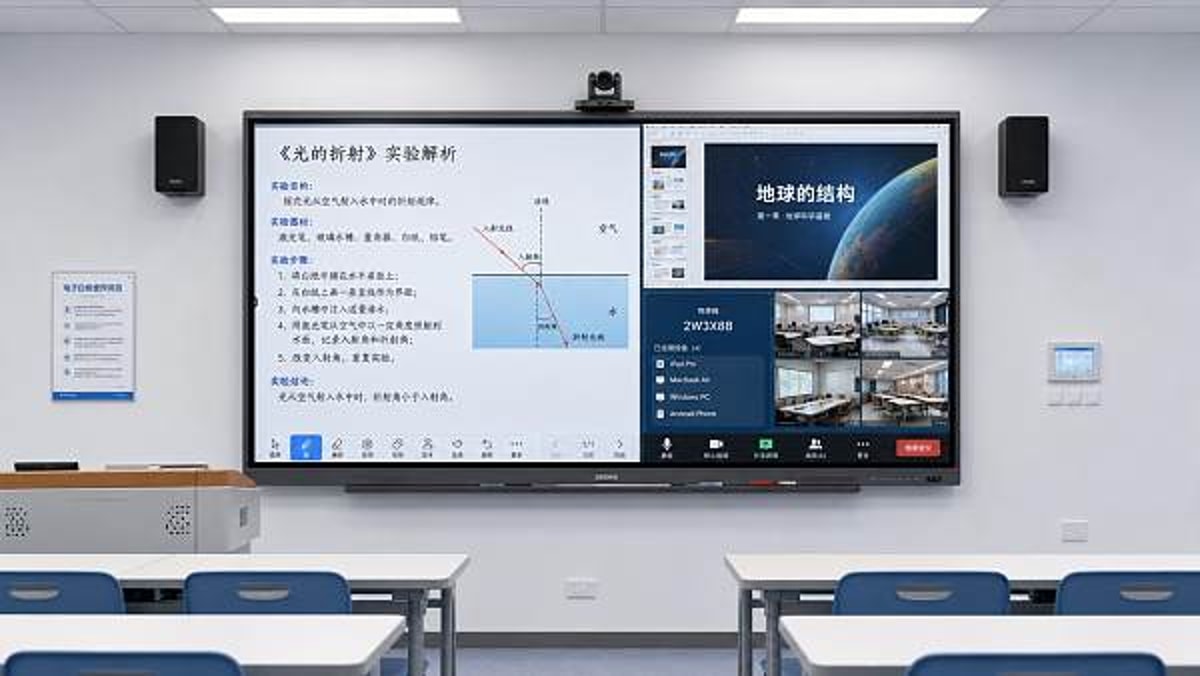
When schools buy Interactive whiteboards for hybrid learning, they often focus on the display and undercheck the full communication chain. Yet the classroom experience depends on camera position, microphone capture, speaker quality, network stability, conferencing platform support, and user permissions. If one link fails, the board cannot deliver the expected value.
Schools often regret not checking whether the board integrates smoothly with Teams, Zoom, Google Meet, or the district’s preferred platform. They also underestimate bandwidth needs for simultaneous video, cloud content sync, and software updates. In some cases, the board performs well locally but becomes unstable when used for remote instruction because the school network was never assessed for this workload.
In hybrid scenarios, procurement should include IT infrastructure review, not just hardware comparison. Buyers need to confirm operating system update policy, sign-in management, remote device monitoring, and cybersecurity controls. Interactive whiteboards in connected environments are no longer isolated display tools; they are endpoints in the wider school technology ecosystem.
Scenario 4: Shared spaces need durable design and simpler user control
Multi-purpose halls, libraries, and shared learning spaces create a different risk profile. Here, Interactive whiteboards are handled by many users with varying skill levels. The main procurement priorities become durability, access control, input switching, and fast recoverability after incorrect settings changes.
One frequent regret is buying a board designed for single-classroom ownership and then placing it in a high-traffic environment. Shared spaces need stronger glass, easier cleaning, robust mounting, and intuitive menus. They may also need guest access modes, locked administrative settings, and a straightforward way to clear saved files between sessions.
In these environments, schools should evaluate who will be responsible for setup before and after each use. If no dedicated support staff is available, the interface should be simple enough for occasional users. A technically powerful board is a poor fit if it creates repeated setup delays for assemblies, workshops, or visiting instructors.
What procurement teams most often fail to check early
Across scenarios, several oversight areas appear again and again. The first is total cost of ownership. Schools may budget for hardware but overlook mounting, cabling, software subscriptions, warranty extensions, replacement pens, training sessions, and future support contracts. Interactive whiteboards can appear competitively priced at tender stage yet become costly over five years.
The second is teacher adoption. Low adoption is usually treated as a training issue, but it often begins as a procurement issue. If the interface is inconsistent, login steps are difficult, or legacy lesson materials are hard to use, teachers revert to old methods. Early testing with actual users is essential.
The third is after-sales capability. Schools regret choosing suppliers who offer limited local service, slow response times, or unclear spare-parts policy. For procurement teams, supplier reliability matters almost as much as product specifications. In education, downtime during term time carries real teaching cost.
A practical comparison checklist for different school environments
Before finalizing an Interactive whiteboards purchase, buyers can use a simple scenario-based checklist to reduce risk and improve internal alignment.
How to avoid common scenario misjudgments
One major misjudgment is treating every classroom as technically identical. In reality, room size, light conditions, subject needs, and teacher confidence vary widely. Another is selecting Interactive whiteboards based on a successful pilot in a single flagship room. Pilot rooms are often better supported and not representative of everyday conditions.
Schools also misjudge training needs. A one-time vendor session rarely creates lasting adoption across departments. Procurement planning should include role-based training, quick reference materials, and refresher support after the first semester. This is especially important when schools expect broad pedagogical change, not just hardware replacement.
Another common error is underestimating lifecycle planning. Buyers may not ask how long the operating platform will be supported, how security patches are delivered, or whether replacement accessories will remain available. For Interactive whiteboards, lifecycle clarity helps schools avoid fragmented fleets and rising support complexity over time.
A smarter procurement approach for lower-risk adoption
The strongest purchasing strategy is to map boards to use cases before comparing brands. Start by grouping rooms into practical categories, then define required functions for each group. From there, evaluate Interactive whiteboards against real teaching tasks, infrastructure readiness, support expectations, and budget horizon. This approach protects both educational outcomes and procurement accountability.
For organizations that rely on trusted market intelligence, GTIIN and TradeVantage highlight a broader lesson that applies across education technology sourcing: visible product specifications do not tell the full procurement story. Buyer confidence grows when suppliers, service models, compatibility assumptions, and long-term ecosystem fit are examined together. That is the same trust-based logic global B2B decision-makers use across sectors when assessing digital solutions, operational risk, and long-term value.
If your school or institution is planning to source Interactive whiteboards, build the decision around scenarios first: who will use them, where they will be used, what systems they must connect to, and what support structure is realistically available. That process will reveal whether a solution is suitable, which trade-offs are acceptable, and which costly regrets can still be prevented before the purchase order is signed.
Recommended News
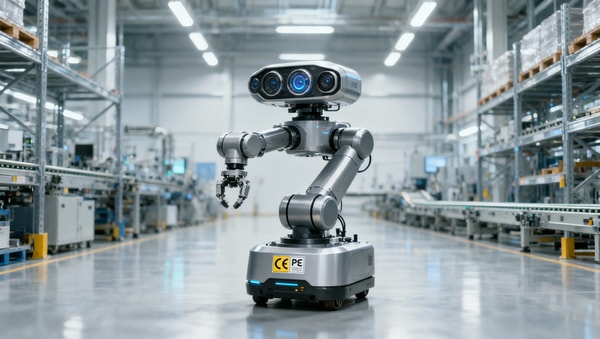
 China’s First Embodied AI Robot Export Liability Insurance Launched in GuangxiEmbodied AI Robot Export Liability Insurance launched in Guangxi—China’s first insurer-backed solution for EU/Japan-bound industrial & service robots. Boost compliance, trust & tenders now.
 Morocco: 4th Top African Recipient of EU Energy Aid, Boosting China’s PV & Storage ExportsMorocco’s EU energy aid boost unlocks opportunities for Chinese PV mounting structures & containerized energy storage exports—act now to leverage new regulatory advantages.
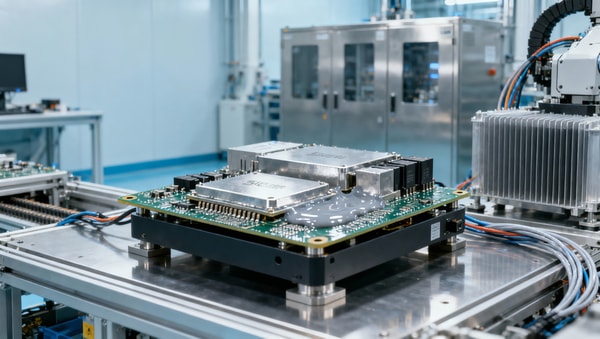
 Industrial Robot Controller Thermal Gel: China's Export-Ready Heat Dissipation SolutionIndustrial Robot Controller Thermal Gel: China’s export-ready, TÜV-certified heat dissipation solution (8.5 W/mK) for robotics in SEA & Mexico.
 ADB Raises Vietnam’s 2026 GDP Forecast to 7.2% on Sino-Vietnam Supply Chain IntegrationADB raises Vietnam’s 2026 GDP forecast to 7.2% amid deepening Sino-Vietnam supply chain integration in electronics, solar PV, and lithium battery PACK production — key insight for OEMs, exporters & integrators.
 First National SME Service Demonstration Platforms AnnouncedFirst National SME Service Demonstration Platforms announced—16 specialize in REACH, UKCA, UL certification & rapid factory audits for exporters.
 U.S. Natural Gas Inventory Growth Below Forecast: Impact on Plastic Export CostsU.S. natural gas inventory growth missed forecast—impacting plastic export costs globally. Learn how rising TTF prices affect PP/PE resin costs, margins & supply chain strategy for exporters.
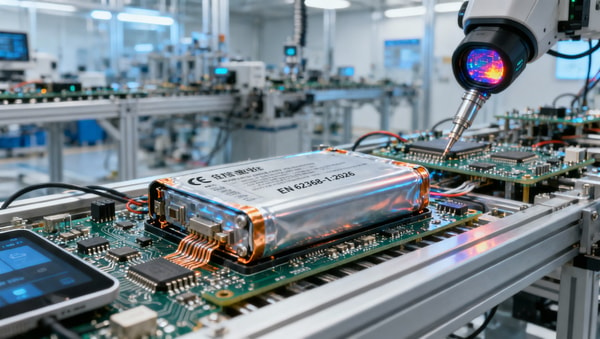
 EN 62368-1:2026 Enforced in EU: Thermal Runaway Protection for Wearables & Smart Home DevicesEN 62368-1:2026 is now mandatory in the EU—learn how thermal runaway protection impacts wearables, smart home devices & EV accessories.
 Q1 2026 Industrial Profits Up 15.5%: Supply Chain Cost Stability ConfirmedQ1 2026 Industrial Profits Up 15.5% — supply chain cost stability confirmed for global procurement, contract manufacturing & OEM teams.
") MIIT Releases Service Trade Standardization Plan (2026–2030)MIIT's 2026–2030 Service Trade Standardization Plan boosts AI-driven digital services—remote QA, cloud maintenance, intelligent warehouse SaaS—for global export competitiveness.
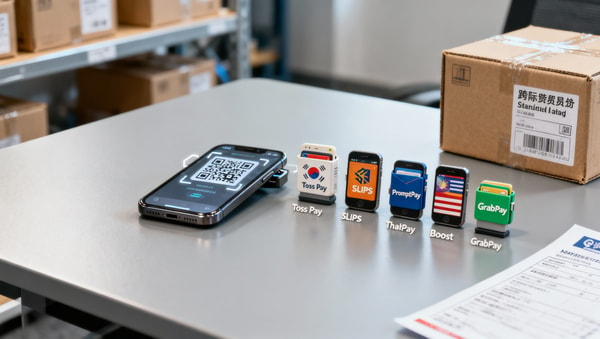
MIIT Releases Service Trade Standardization Plan (2026–2030)MIIT's 2026–2030 Service Trade Standardization Plan boosts AI-driven digital services—remote QA, cloud maintenance, intelligent warehouse SaaS—for global export competitiveness. WeChat Pay Integrates QR Codes from 5 Countries for B2B Cross-Border SettlementWeChat Pay integrates QR codes from South Korea, Sri Lanka, Thailand, Malaysia & Singapore — enabling faster, cheaper B2B cross-border settlement for global buyers and Chinese suppliers.
 Portable oxygen concentrators get noisy over time for several reasonsPortable oxygen concentrators get noisy over time due to dust, wear, loose parts, and aging compressors. Learn key causes, inspection priorities, and service tips to prevent failures.
 Interactive whiteboards: what schools regret not checking earlyInteractive whiteboards can boost learning, but schools often regret missing key checks on compatibility, durability, training, and support. Discover how to buy smarter.
 Medical diagnostic equipment downtime usually starts with this oversightMedical diagnostic equipment downtime often starts with one overlooked maintenance gap. Learn the warning signs, hidden costs, and smart service strategies to improve uptime.
 Eco-friendly building materials: where certification changes the decisionEco-friendly building materials now win or lose on certification. Learn how verified standards reduce sourcing risk, support compliance, and improve procurement decisions.
 Ergonomic workspace design mistakes that still cause daily strainErgonomic workspace design mistakes can silently cause daily strain, fatigue, and lower productivity. Discover practical fixes to improve comfort, focus, and workstation performance.
 Outdoor garden supplies that wear out too fast in summer heatOutdoor garden supplies can fail fast in extreme summer heat. Discover which items wear out first, what materials last longer, and how to buy smarter for durable, cost-saving performance.
 Sustainable home decor: how to spot green claims with substanceSustainable home decor explained: learn how to spot credible green claims, avoid greenwashing, compare materials and certifications, and choose stylish, healthier pieces with real impact.
 Modern office furniture trends that improve layout flexibilityModern office furniture trends are transforming flexible workplace design. Explore modular, mobile, ergonomic, and acoustic solutions that boost productivity and smarter space planning.
 Smart street lighting works best when control systems are not overlookedSmart street lighting succeeds when control systems come first. Learn how better monitoring, dimming, and integration improve ROI, maintenance efficiency, and long-term project performance.
 What solid-state battery breakthroughs are still years from market?Solid-state battery breakthroughs sound transformative, but which ones are still years from market? Explore the technical, cost, and scaling barriers shaping real adoption timelines.
 Commercial LED lighting retrofits: when is payback slower than planned?Commercial LED lighting payback can slip when costs, runtime, rebates, and controls are misjudged. Learn the hidden risks and review steps that protect ROI before approval.














Popular Tags
Global Trade Insights & Industry
Our mission is to empower global exporters and importers with data-driven insights that foster strategic growth.
Search News
Popular Tags
Industry Overview
The global commercial kitchen equipment market is projected to reach $112 billion by 2027. Driven by urbanization, the rise of e-commerce food delivery, and strict hygiene regulations.