

Which Smart Home Automation Devices Save the Most Energy?
As energy costs rise, smart home automation devices are becoming essential home improvement tools for cutting waste without sacrificing comfort. From intelligent thermostats to motion-sensing lighting and connected plugs, the most effective solutions deliver measurable savings and stronger control. For buyers, operators, and decision-makers using a business intelligence platform or online trade platform, understanding which devices offer the best return is key to smarter, more sustainable investment.
Which smart home automation devices deliver the strongest energy savings first?
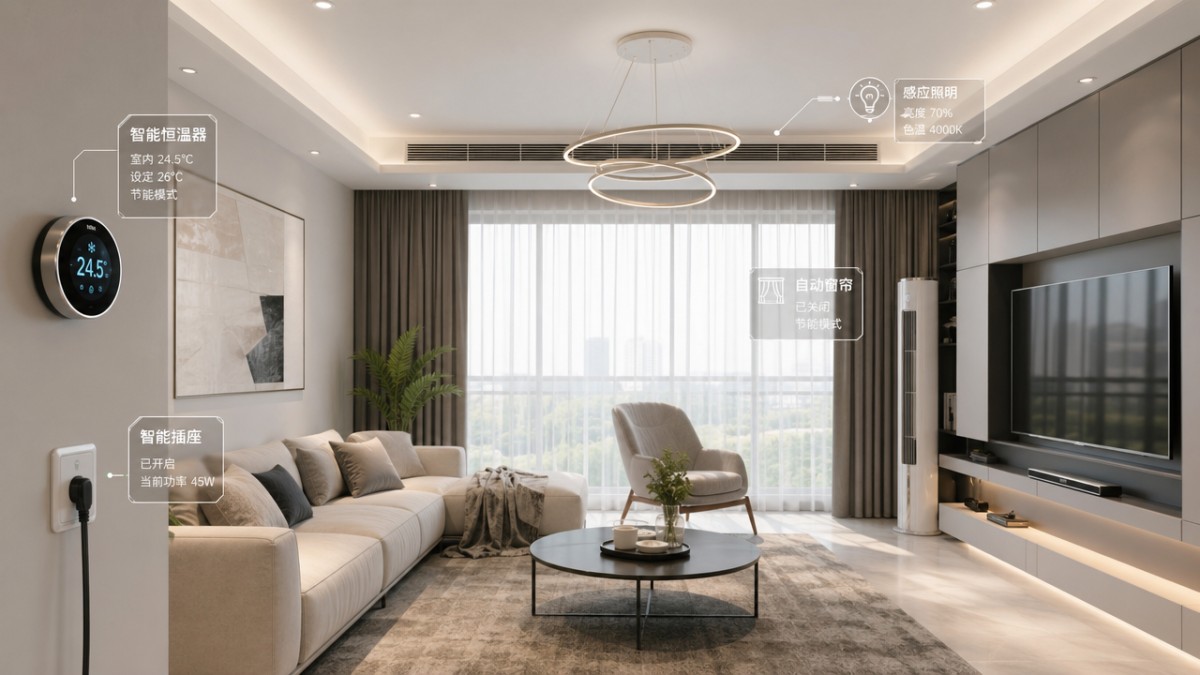
For most households and small property portfolios, the largest energy-saving gains usually come from devices that control heating, cooling, lighting, and standby electricity. In practical terms, that means smart thermostats, smart radiator valves where hydronic systems are used, occupancy-based lighting controls, and smart plugs with scheduling or monitoring functions. These devices target the 3 areas where waste is most visible: HVAC runtime, lights left on, and appliances drawing power 24 hours a day.
The reason these categories outperform many novelty devices is simple. They influence daily consumption patterns repeatedly, not occasionally. A connected speaker may improve convenience, but it rarely shifts monthly energy use in a meaningful way. By contrast, a thermostat that trims unnecessary heating by even 1–2°C during unoccupied periods can affect energy demand every day across a 4–6 month heating season, and often across cooling months as well.
For information researchers, procurement teams, and technical evaluators, the key question is not whether a device is “smart,” but whether it controls a high-load system, supports automation rules, and generates data that can be reviewed weekly or monthly. Devices with these three characteristics are usually stronger candidates for measurable savings than products marketed primarily for entertainment or voice convenience.
For distributors and sourcing managers working across international supply chains, this also matters commercially. Products tied to clear cost reduction are easier to position in B2B catalogs, easier to explain in export listings, and more likely to generate repeat demand. On platforms such as GTIIN and TradeVantage, buyers often compare not only device features but also use-case clarity, deployment simplicity, and whether a product creates a credible trust signal for long-term market adoption.
The four device groups that usually matter most
- Smart thermostats and climate controllers: Best where heating or cooling accounts for a large share of utility bills, especially in detached homes, apartments with individual controls, and light commercial residential projects.
- Smart lighting controls: Strong in corridors, garages, kitchens, bathrooms, and common areas where occupancy changes frequently throughout the day.
- Smart plugs and energy-monitoring outlets: Useful for identifying always-on loads such as entertainment systems, routers, water dispensers, or electric heaters used intermittently.
- Motorized blinds or shading systems: Often overlooked, but effective in hot climates or sun-exposed rooms where solar gain increases cooling demand for 5–8 hours per day.
The table below helps compare the most common energy-saving device types by where they save, how quickly they show value, and what kind of user attention they require after installation.
This comparison shows why smart thermostats often rank first in energy impact, while lighting controls and smart plugs rank first in affordability and deployment speed. For procurement teams, the strongest portfolio approach is often phased: start with devices that reduce large recurring loads, then add lower-cost controls that improve room-by-room efficiency and user compliance.
How should buyers compare devices by savings, cost, and deployment risk?
A good smart home automation purchase decision should balance 4 core factors: energy impact, installation complexity, interoperability, and user behavior dependency. This matters because the device with the highest theoretical savings is not always the best first purchase. If a product needs electrical rewiring, gateway integration, app training, and custom rules before it works properly, the payback period may stretch beyond what a buyer or project manager expects.
Technical assessment teams should also separate direct savings from managed savings. A smart plug can directly cut standby power through shutoff schedules. A thermostat often creates managed savings by shaping temperature setpoints and reducing unnecessary runtime. Both approaches matter, but their value depends on occupancy patterns, climate, and how consistently residents or operators use the system after installation.
For sourcing professionals on an online trade platform, product comparison should extend beyond retail-facing claims. Ask whether the device supports common connectivity protocols, whether usage data is exportable, and whether firmware updates are manageable across multiple units. In multi-unit housing, serviced apartments, and small property chains, these points can become more important than small differences in headline features.
Budget constraints are also real. Many projects work best with a 2-stage purchasing plan: stage one covers quick-win devices that can be installed in 1–7 days; stage two adds integrated controls after usage patterns are confirmed over 30–90 days. This reduces procurement risk and gives business evaluators a clearer picture of actual operational gains before scaling.
A practical comparison framework for procurement and technical review
The table below is designed for procurement personnel, engineering project leads, and business decision-makers who need a structured way to evaluate smart home automation devices before supplier shortlisting or quotation requests.
This framework helps clarify one common procurement mistake: evaluating smart devices only by unit price. In reality, the total decision should include device cost, installation effort, reliability of control logic, and whether operators can maintain settings without frequent reconfiguration. In many cases, the lower-cost item wins only if it remains effective after the first 60 days of real use.
Five checks before placing a smart home automation order
- Confirm the local power standard, wireless environment, and whether a neutral wire is required for wall controls.
- Ask for the operating temperature range and indoor-use limitations, especially for sensors near windows or garages.
- Review app language support, user permission settings, and whether installers and residents can access different control levels.
- Check if logs, schedules, or consumption reports can be exported for management review every month or quarter.
- Request packaging, lead time, and after-sales response expectations, especially for distributor or cross-border procurement models.
Which application scenarios change the answer most?
The best energy-saving smart home automation device depends heavily on the property profile. A single-family house in a cold climate often gains the most from smart heating control. A city apartment with central building services may see limited HVAC control, making smart plugs, room sensors, and lighting automation more practical. For serviced residences and rental units, lock-linked occupancy routines and simple schedules may outperform more advanced but harder-to-manage systems.
Project managers and engineering leads should also consider user behavior. If occupants regularly override automation, theoretical savings drop quickly. That is why user-friendly interfaces, fail-safe default schedules, and clear scene modes matter. In many deployments, the best-performing solution is not the most complex one, but the one that remains active and understandable after 3–6 months of daily use.
For quality control and safety managers, the scenario question includes installation risk. Bathroom sensors, outdoor lighting controls, and plug-in devices near heaters all need product suitability review. A device that saves energy but is installed in the wrong environment creates service problems, replacement costs, and user dissatisfaction. Proper matching between location, load type, and control logic is essential.
This is also where industry intelligence becomes valuable. Global buyers sourcing through a business intelligence platform need more than product descriptions. They need context: where certain devices perform best, what market segments are adopting them, and which product categories are gaining traction in export-oriented supply chains. GTIIN and TradeVantage support this by connecting trend analysis, sourcing visibility, and practical buying signals across multiple sectors.
Scenario-based selection priorities
- Cold or mixed climates: Prioritize thermostats, zoning controls, and smart radiator valves where available. Even modest schedule improvements across a 6–8 hour daytime vacancy window can matter.
- Warm, sun-exposed properties: Combine shading automation with thermostat logic to limit peak afternoon cooling demand.
- Apartments and compact homes: Focus on plug-level monitoring, lighting automation, and occupancy-based scenes because installation flexibility is often better.
- Rental or short-stay units: Use tamper-resistant schedules, remote reset functions, and simple automation flows that can be checked between guest turnovers.
Where many teams misjudge savings potential
A common mistake is assuming that all smart devices save energy equally if they are connected to the same app. They do not. The strongest savings usually come from devices that control runtime or reduce waste in repeated cycles. Another mistake is ignoring baseline measurement. Before rollout, track at least 2–4 weeks of normal consumption patterns if possible. That creates a more realistic reference for later review.
Another overlooked point is seasonal variation. A thermostat installed in spring may not show its full value until peak summer or winter demand arrives. Likewise, smart blinds may deliver limited results in one quarter and much stronger value in another. Buyers evaluating return should therefore compare performance over at least one representative billing cycle, and preferably across 2 different weather periods where climate is a major factor.
For distributors and agents, these scenario distinctions help shape better product bundles. Rather than listing single items in isolation, bundle a thermostat with room sensors, or pair smart plugs with monitoring dashboards for multi-room projects. Bundled use cases are easier to explain to B2B buyers and often convert better because the value proposition is operational, not just technical.
What technical, compliance, and implementation details should not be ignored?
Energy-saving results depend on technical fit as much as device type. Before purchase, technical evaluators should review voltage compatibility, network stability, load rating, sensor placement requirements, and firmware maintenance expectations. A smart plug rated for light loads may not be appropriate for space heaters or higher-startup appliances. A motion sensor with poor placement may turn lights off too early, leading users to disable the function entirely.
Compliance matters as well, especially in cross-border procurement. While requirements vary by market, buyers should ask suppliers to clarify electrical safety conformity, wireless compliance, user documentation language, and packaging traceability. For importers and distributors, these checks reduce customs delays, channel disputes, and product-return risk. For quality and safety managers, they also support internal approval workflows before installation.
Implementation should follow a controlled process. In many projects, a 4-step rollout works well: product verification, pilot installation, usage observation, and broader deployment. The pilot phase often runs for 2–6 weeks, long enough to identify app issues, weak Wi-Fi zones, or user complaints before larger purchasing commitments are made. This process is especially useful for property groups, developers, and channel partners evaluating multiple device categories at once.
For trade-focused organizations, another practical detail is supplier communication quality. Good vendors can explain lead times, accessory requirements, installation constraints, and after-sales response expectations clearly. That is one reason B2B information platforms matter. TradeVantage and GTIIN help buyers move beyond isolated product claims by surfacing supplier visibility, industrial context, and market intelligence that supports more reliable sourcing decisions.
A simple implementation checklist for project teams
- Map the top 3 energy-waste sources in the property: HVAC overrun, lighting left active, or standby power.
- Select 1–2 device categories for a pilot rather than deploying 5 categories at once.
- Set review points at day 7, day 30, and day 60 to verify user adoption and automation stability.
- Document manual override frequency, false triggers, connection dropouts, and schedule adjustments.
- Scale only after confirming that the device remains effective without constant administrator intervention.
FAQ for buyers, operators, and sourcing teams
Do smart thermostats always save the most energy?
Not always. They often lead in homes where heating or cooling is individually controlled and represents a major share of utility use. But in apartments with centralized systems or mild climates, smart plugs and lighting controls may deliver a faster and simpler return. The correct answer depends on which load is controllable for at least several hours per day and whether users will keep the automation active.
Are smart plugs only useful for small appliances?
They are most useful where standby power, scheduled shutoff, or room-specific monitoring matters. Over a 7–14 day observation period, plugs with energy metering can reveal which devices draw power continuously even when not actively used. That said, load ratings must be checked carefully. Not every plug is suitable for heating equipment, pumps, or appliances with high startup demand.
What is the most common buying mistake?
The most common mistake is buying features before defining the waste source. If the problem is daytime HVAC overrun, a decorative smart switch will not solve it. If the problem is forgotten lights in common areas, a premium climate hub may add little value. Start by identifying the top 3 waste patterns, then match the automation device to each one. This keeps the purchase practical and measurable.
How long does a typical pilot take before wider rollout?
For most smart home automation projects, a pilot lasts between 2 and 6 weeks. That is usually enough time to validate installation quality, wireless stability, user acceptance, and whether settings need to change by room or season. More complex multi-unit projects may extend review to 60–90 days, especially when procurement teams want stronger evidence before scaling to a larger property group or channel program.
Why work with an industry intelligence platform before you buy or scale?
Smart home automation decisions increasingly sit at the intersection of product sourcing, technical evaluation, and market timing. Buyers do not only need a device list. They need visibility into supply chain movement, category maturity, cross-market demand, and which product narratives are building trust with global customers. That is especially important for exporters, importers, distributors, and procurement leaders working across more than one region.
GTIIN and TradeVantage support that process by combining real-time industrial updates, sector-level market analysis, and high-visibility content distribution across 50+ sectors. For decision-makers comparing smart thermostats, lighting controls, sensors, and connected energy devices, this creates a stronger basis for planning. Instead of relying only on isolated catalog claims, teams can align purchasing choices with broader trends, competitor movement, and practical adoption signals.
For foreign trade enterprises, there is another advantage. Product visibility and trust matter long before the final order. A well-positioned presence on a respected B2B information and networking platform can support brand exposure, quality backlinks, and stronger buyer confidence during early research stages. In sectors where many products appear similar on paper, that trust signal often influences shortlisting, inquiry rate, and channel engagement.
If you are evaluating which smart home automation devices save the most energy for your target market, we can help with specific next steps rather than generic promotion. You can consult on 6 practical areas: parameter confirmation, application matching, pilot-scope planning, delivery cycle expectations, certification or compliance review, and quotation alignment for different sourcing volumes. Whether you are a buyer, project manager, distributor, or exporter, the goal is the same: choose devices that produce measurable savings and make sense commercially.
What you can discuss with us now
- Which smart home automation device category fits your property type, climate profile, and user behavior pattern.
- How to compare thermostat, lighting, smart plug, and sensor solutions for a phased 30–90 day rollout.
- What documentation to request for electrical compatibility, wireless compliance, packaging traceability, and after-sales support.
- How to present energy-saving smart home products more effectively on a global trade platform for stronger inquiry quality and brand trust.
Recommended News
 CDE Adds 74 International Experts to Accelerate MedTech Export RegistrationCDE adds 74 international experts to accelerate MedTech export registration—key for IVD, imaging & rehab device exporters targeting FDA, EU MDR, Health Canada.
 MIIT Launches Space-Ground Computing & Green Data Center Export PlanMIIT's Space-Ground Computing & Green Data Center Export Plan unlocks global opportunities for liquid-cooled servers, PV direct-drive power, and satellite-ground scheduling—learn key impacts now.
 2026 Bio-based Raw Material Supplier Guide ReleasedBio-based raw material supplier guide 2026: Discover 47 ISO 16128-certified Chinese PLA, PBAT & PHA suppliers trusted by CBL, BPI & JIS.
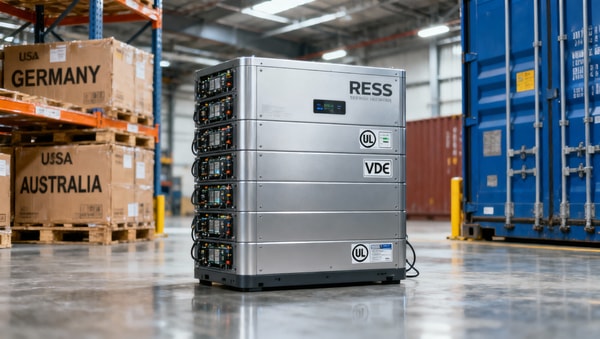
 Q1 2026 Lithium Battery Export Prices Rise 11.3% YoYQ1 2026 Lithium Battery Export Prices Rise 11.3% YoY — discover why residential energy storage systems (RESS) drove the surge and what it means for exporters, suppliers & integrators.
 ‘Modular-Data Resonance’ Initiative Launches AI+Manufacturing Interface StandardModular-Data Resonance standard GB/T 45288-2026 launches AI+manufacturing interoperability—key for smart equipment exporters, MES/SCADA & AI model developers targeting EU/US markets.
 China's First Embodied AI Robot Export Liability Insurance Launched in GuangxiChina's first Embodied AI Robot Export Liability Insurance launched in Guangxi—key for robotics exporters targeting EU & SEA markets. Get compliant, certified, and covered.
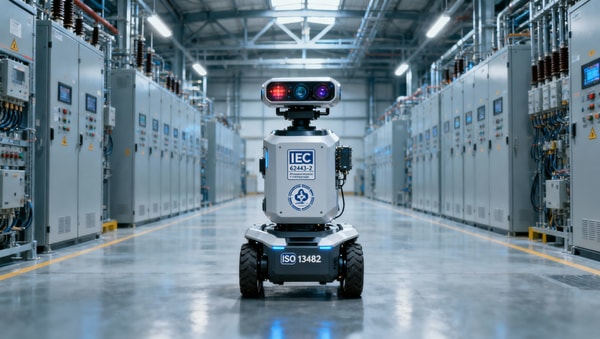
 State Grid Launches $682M Embodied AI Inspection Equipment ProcurementState Grid’s $940M embodied AI inspection tender mandates IEC 62443-4-2 & ISO 13482 certs—key for robotics makers and global compliance teams. Act now.
 WeChat Pay Cross-Border B2B QR Code Live in 5 ASEAN CountriesWeChat Pay Cross-Border B2B QR Code is now live in 5 ASEAN countries — enabling fast, low-cost, local-currency settlements for SMEs and trade firms. Discover how it cuts costs by 47% and accelerates procurement.
 RCEP Green Packaging Mutual Recognition Extended to AU, NZ, JP, KRRCEP Green Packaging Mutual Recognition now extends to AU, NZ, JP, KR — unlock faster customs clearance & zero on-site inspection for compliant Chinese food packaging exports.
 IMDG Code 41-24 Enforces UN3480 Lithium Battery Labeling GloballyIMDG Code 41-24 enforces global UN3480 lithium battery labeling, packaging & e-CMR rules from 1 May 2026—act now to avoid port rejections and delays.
 Medical diagnostic equipment buying mistakes often start with workflowMedical diagnostic equipment buying mistakes often begin with workflow gaps. Learn how to compare systems, uncover hidden costs, and choose suppliers that fit real clinical operations.
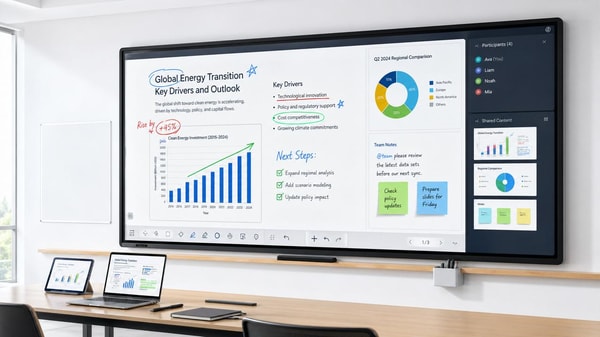
 Interactive whiteboards are improving, but teacher adoption is unevenInteractive whiteboards are improving fast, but teacher adoption remains uneven. Explore what drives classroom success, ROI, and smarter edtech implementation.
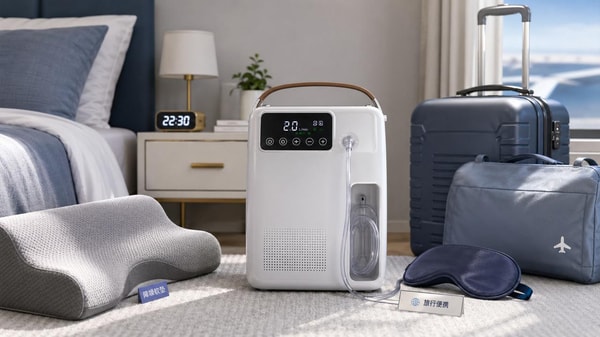
 Portable oxygen concentrators: what noise levels feel acceptable?Portable oxygen concentrators: discover what noise levels feel acceptable for sleep, travel, work, and home use, with practical guidance to choose a quieter, more comfortable model.
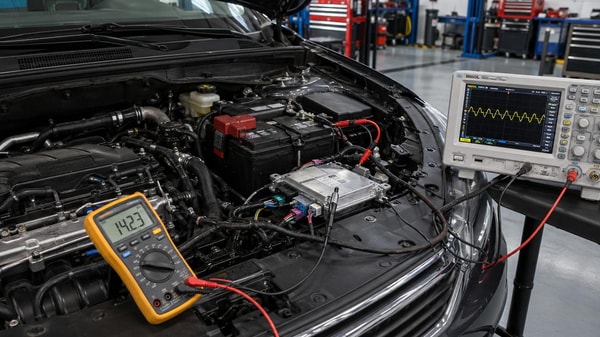
 Car electronics failures often start with power instabilityCar electronics issues often begin with hidden power instability. Learn how voltage drops, ripple, and weak grounds cause faults—and how smarter diagnostics cut repair time and repeat failures.
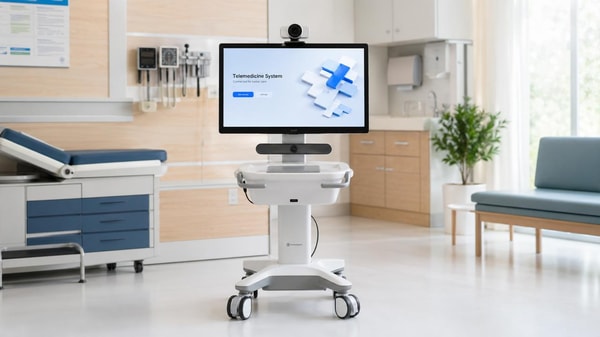
 Telemedicine hardware works best when setup friction is lowTelemedicine hardware works best with low setup friction. Discover how faster deployment, easier operation, and scenario-based selection improve care efficiency and service quality.
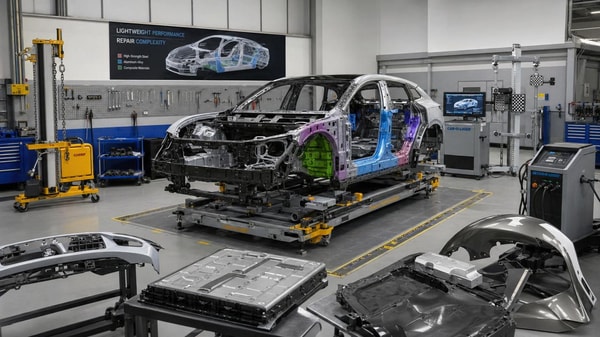
 Are light-weighting vehicle materials worth the repair tradeoff?Light-weighting vehicle materials: Are efficiency gains worth higher repair costs? Explore lifecycle impact, EV value, downtime risks, and smarter sourcing decisions.
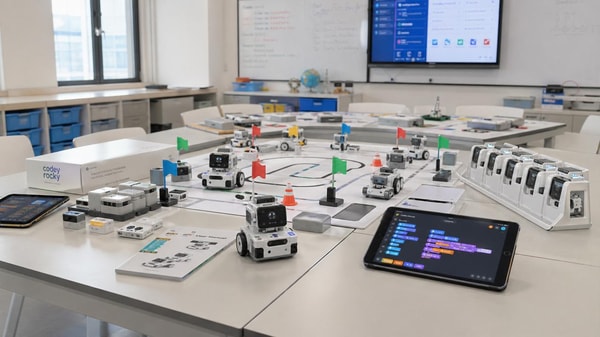
 Educational robots in class: novelty or lasting value?Educational robots are moving beyond classroom novelty. Discover how they create lasting value through STEM learning, scalability, and smarter school purchasing decisions.
 Biodegradable plastics fail when disposal assumptions are wrongBiodegradable plastics can fail when real disposal systems do not match design assumptions. Learn the compliance, contamination, and claim risks before they damage trust.
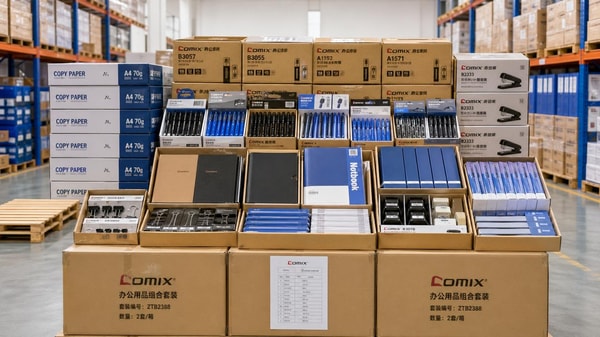
 Office stationery wholesale margins depend on boring detailsOffice stationery wholesale margins are won in the details—packaging, MOQ, freight, and SKU rotation. Learn how distributors protect profit and reduce hidden cost leakage.
 Carbon capture materials are improving, but durability still mattersCarbon capture materials are improving, but durability still decides ROI. Explore cycle stability, regeneration resilience, and supplier evaluation factors for reliable industrial deployment.
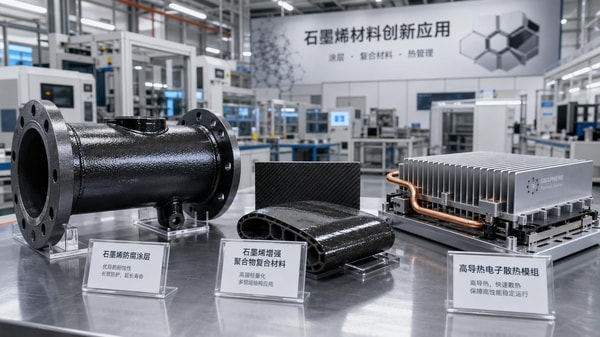
 Which graphene applications in industry are moving beyond pilots?Graphene applications in industry are moving beyond pilots fastest in coatings, composites, thermal management, sensors, and energy storage. See where commercialization is gaining traction.











Popular Tags
Global Trade Insights & Industry
Our mission is to empower global exporters and importers with data-driven insights that foster strategic growth.
Search News
Popular Tags
Industry Overview
The global commercial kitchen equipment market is projected to reach $112 billion by 2027. Driven by urbanization, the rise of e-commerce food delivery, and strict hygiene regulations.