

How to choose ergonomic office furniture for small offices
Choosing ergonomic office furniture for small offices is not only a space-saving decision. It shapes comfort, workflow, and long-term operational efficiency. In compact workplaces, every desk, chair, and storage unit must serve multiple purposes without reducing employee wellbeing. The best ergonomic office furniture helps create a healthier and more productive environment while supporting flexible growth.
For organizations that rely on efficient information flow, layout planning matters as much as furniture quality. Small offices often combine focused work, online meetings, document handling, and collaborative discussion in one limited footprint. That is why ergonomic office furniture should be selected through a scenario-based approach rather than by appearance alone.
Why small office scenarios require different ergonomic office furniture choices
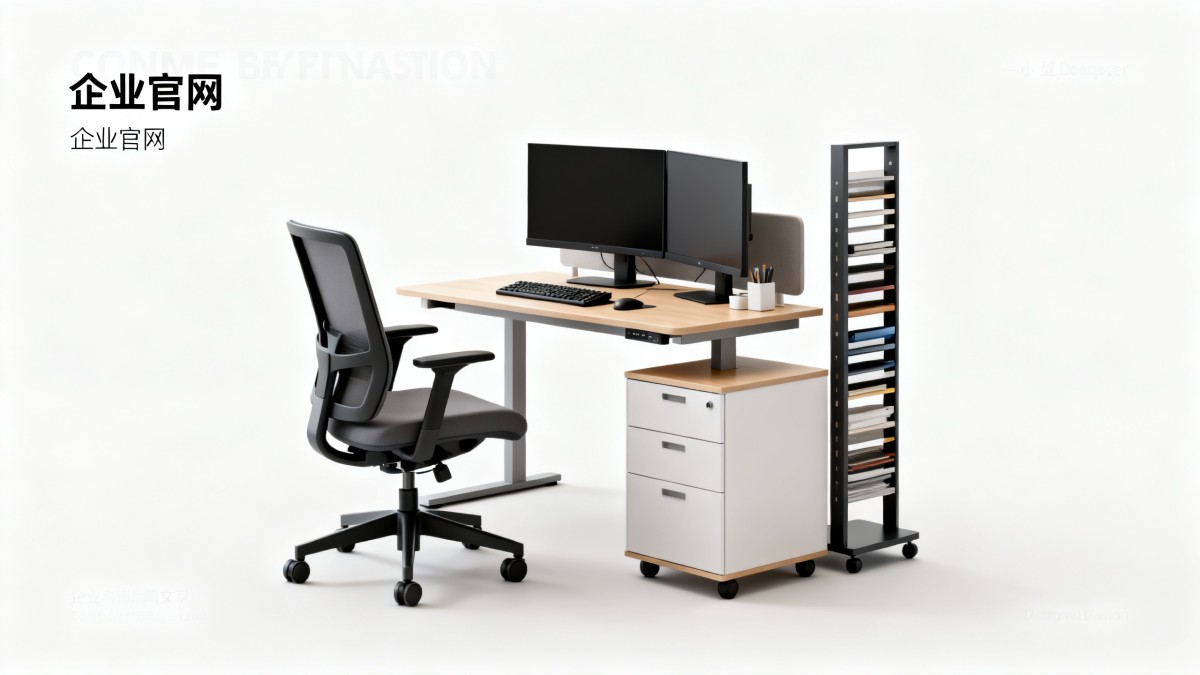
A small office does not have one universal layout. Some spaces prioritize individual concentration. Others need frequent visitor seating, team coordination, or hybrid meetings. Each scenario changes the ideal balance between movement, support, reach distance, and storage access.
Ergonomic office furniture should reduce physical strain while protecting circulation paths. In a compact room, poor choices quickly create clutter, awkward posture, and lost time. A large executive desk may look impressive, but it can undermine the function of the entire workspace.
The strongest selection process starts with how the office is actually used. Measure daily tasks, time spent seated, device types, filing needs, and how often people move between stations. This practical review prevents overbuying and improves long-term value.
Scenario 1: Focus-driven workstations need support for long seated hours
In offices where most work happens at a computer, the chair becomes the highest-priority item. A compact footprint should never mean compromising lumbar support, adjustable seat height, or armrest positioning. These features affect posture throughout the day.
Desks in this scenario should fit monitors, keyboards, and daily essentials without forcing twisting or overreaching. Slim-profile desks with cable control and under-desk clearance perform well. If space permits, sit-stand options add health benefits without expanding the layout.
Key judgment points for concentration-heavy setups
- Seat depth should support the thighs without pressing behind the knees.
- Backrests should maintain lower back support during extended tasks.
- Desk depth should match monitor distance and keyboard placement.
- Storage should be vertical or mobile rather than wide and fixed.
Scenario 2: Hybrid meeting spaces need flexible ergonomic office furniture
Many small offices now combine solo work and video conferencing in the same area. In this case, ergonomic office furniture must support frequent transitions. Workers may type for hours, then shift into calls, presentations, or short collaborative sessions.
Furniture with mobility works best here. Light meeting chairs, foldable tables, and mobile pedestals can reconfigure the room without physical strain. The goal is to keep technology accessible while maintaining posture support and visual order.
Acoustic panels, monitor risers, and compact standing tables can further improve the environment. These additions are often overlooked, yet they help align eye level, reduce neck tension, and keep shared zones functional.
Scenario 3: Client-facing small offices require comfort and spatial professionalism
Some small offices welcome visitors regularly. In these spaces, ergonomic office furniture must support internal staff while also shaping a professional first impression. Reception chairs, consultation tables, and waiting seating should feel comfortable without overcrowding the room.
Choose slim but supportive seating with easy entry and exit. Deep lounge chairs may look elegant, but they can be impractical in compact offices. Moderate seat height, clean lines, and durable upholstery often provide the best result.
For shared desks near visitor zones, privacy panels and organized cable routing help maintain a neat appearance. Good ergonomic office furniture in these spaces balances presentation, hygiene, and efficient staff movement.
Scenario 4: Multi-use teams need scalable solutions for changing workloads
Fast-changing teams often use the same office for administration, planning, reporting, and occasional project reviews. Here, ergonomic office furniture should be modular. Fixed layouts become inefficient when workflows shift or headcount changes.
Bench desks with dividers, nesting tables, and stackable chairs can support changing demands. Height-adjustable accessories also improve fit across different users. This matters when workstations are shared or repurposed across the week.
Scalable furniture also lowers replacement costs over time. Instead of redesigning the whole office, modular pieces can be moved, combined, or upgraded. That flexibility is especially valuable in dynamic business environments.
How needs differ across small office scenarios
Practical ways to match ergonomic office furniture to limited space
A smart small office plan begins with dimensions, not catalogs. Measure walls, doors, windows, and circulation zones first. Then map the minimum clearance required for chairs, storage drawers, and shared pathways.
Use this selection checklist before purchase
- Define the main work scenario for each zone.
- List required devices, documents, and movement patterns.
- Prioritize adjustable seating over decorative upgrades.
- Choose desks that support task depth without dominating the room.
- Prefer vertical storage, mobile storage, or shared storage walls.
- Check materials for durability, cleaning ease, and long use.
When possible, test the chair and desk together rather than separately. Ergonomic office furniture works as a system. Seat height, arm position, work surface level, and screen alignment must support each other.
Common mistakes when choosing ergonomic office furniture for small offices
One common mistake is selecting furniture only by dimensions. A compact chair may fit the room, but poor support can increase fatigue. Small offices require full ergonomic function in a reduced footprint, not stripped-down comfort.
Another mistake is ignoring workflow sequencing. Storage may be placed beautifully yet force repeated standing, twisting, or walking. Good ergonomic office furniture should reduce unnecessary motion while keeping healthy movement possible.
Many offices also overestimate the value of one-time aesthetics. Stylish pieces matter, but visual design should support usability. Clean lines, neutral finishes, and coordinated accessories can achieve a polished look without sacrificing function.
A final oversight is failing to plan for growth. Even a very small office changes over time. Modular ergonomic office furniture protects investment by allowing reconfiguration, role shifts, and technology updates.
A practical next step for better small office planning
The most effective way to choose ergonomic office furniture is to start with real usage scenarios, not generic product lists. Review how people sit, move, store items, collaborate, and host meetings within the available footprint. Then select pieces that improve those exact conditions.
For businesses tracking workspace trends across markets, data-backed planning offers a strong advantage. GTIIN and TradeVantage support informed decisions by connecting market intelligence, industry visibility, and practical business insights. In a competitive environment, better furniture choices can strengthen productivity, workplace trust, and long-term operational performance.
If the goal is to build a compact office that feels efficient, healthy, and future-ready, begin with a workspace audit. Measure the room, define scenarios, compare options, and invest in ergonomic office furniture that matches actual use. That step delivers value far beyond square footage.
 Which global manufacturing trends by sector matter most for sourcing plans?Global manufacturing trends by sector: identify sourcing risks, supplier resilience, compliance demands, and cost drivers to build smarter, more reliable procurement plans.
 What industrial trade intelligence pricing should include before you subscribeIndustrial trade intelligence pricing explained: compare coverage, data quality, access rights, and workflow value before choosing a subscription that supports smarter trade decisions.
 How an industrial trade intelligence dashboard can identify new supplier marketsDiscover how an industrial trade intelligence dashboard helps identify new supplier markets by comparing capacity, landed cost, logistics resilience, and compliance risk.
 Which global market entry barriers should exporters assess first?Global market entry barriers exporters should assess first: tariffs, compliance, buyer qualification, logistics, and payment risk. Build a practical strategy for confident market entry.
 How trade data aggregation analytics can reveal emerging supplier marketsTrade data aggregation analytics reveals emerging supplier markets by connecting trade flows, capacity signals, logistics, and compliance insights for smarter sourcing decisions.
 When an export market analysis platform can validate demand in a new marketExport market analysis platform insights help validate new-market demand through buyer fit, regulations, logistics, competition, and profitable entry conditions.
 What is driving the beauty and personal care market in the USA?Beauty and personal care in USA is driven by targeted solutions, selective premiumization, digital discovery, clean-label trust, diverse needs, and compliance. Explore key growth opportunities.
 How trade flow monitoring reports reveal changing regional demandTrade flow monitoring reports reveal changing regional demand through import volumes, sourcing shifts, product mix, logistics signals, and regulatory trends. Explore actionable market insights.
 How international market intelligence for investors reduces market-entry riskInternational market intelligence for investors reduces market-entry risk by validating demand, regulations, logistics, and competition before capital is committed.
 How international sourcing intelligence helps identify supplier risk earlyInternational sourcing intelligence helps businesses spot supplier risks early, protect supply continuity, and make smarter global procurement decisions.
 How trade data aggregation analytics reveals emerging supplier marketsTrade data aggregation analytics reveals emerging supplier markets through export trends, input flows, logistics, and regulatory signals. Discover smarter sourcing insights.
 What industrial cluster monitoring in Vietnam reveals about site riskIndustrial cluster monitoring Vietnam reveals hidden site risks across labor, utilities, logistics, compliance, and supplier dependencies. Make smarter sourcing and expansion decisions.
 Food Technology Trends Reshaping Shelf Life, Safety, and Product InnovationFood technology is reshaping shelf life, safety, and innovation. Discover the trends helping food businesses cut risk, improve compliance, and unlock stronger global market growth.
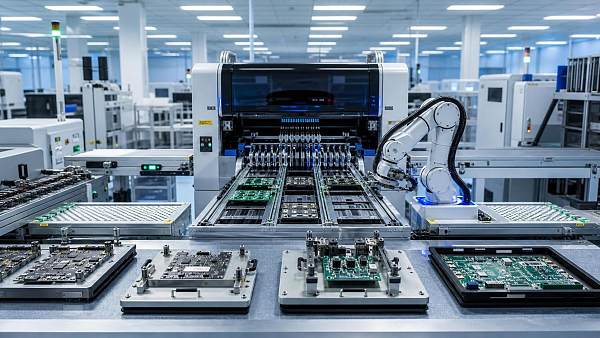
 How electronics manufacturing services are changing with low-volume demandElectronics manufacturing services are evolving fast with low-volume demand. Learn how agile EMS partners improve flexibility, compliance, sourcing resilience, and speed to market.
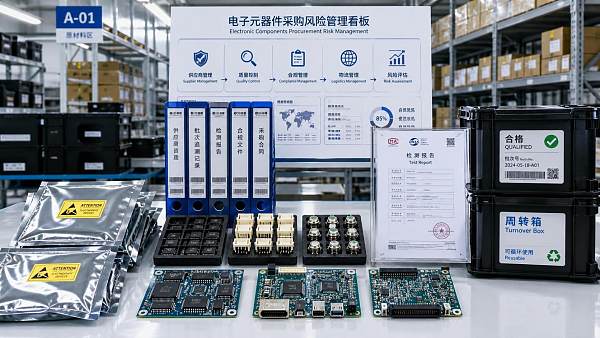
 How Can Buyers Reduce Procurement Risks for Electronic Components?How to reduce procurement risks for electronic components: learn how buyers assess traceability, lead times, compliance, and supplier types to avoid costly sourcing mistakes.
 What Sourcing Intelligence India Reveals About Supplier Risk and Cost ShiftsSourcing intelligence India reveals hidden supplier risk, compliance gaps, logistics pressure, and real cost shifts—helping buyers compare vendors smarter and source with more confidence.
 Fashion Trends 2026: Which Materials, Colors, and Silhouettes Are Gaining Ground?Fashion trends 2026 spotlight tactile fabrics, mineral colors, and controlled volume. Explore the materials, shades, and silhouettes shaping smarter, more wearable style.
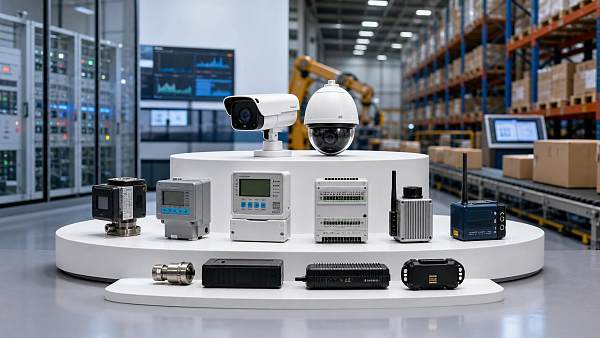
 Smart Device Market Outlook: Key Growth Drivers, Segments, and Business OpportunitiesSmart device market trends are shifting toward system value, industrial demand, and resilient supply chains. Explore key growth drivers, high-potential segments, and business opportunities.
 How Global Trade Intelligence Services Help B2B Firms Evaluate Markets and SuppliersGlobal trade intelligence services help B2B firms compare suppliers, assess market potential, and uncover compliance, logistics, and pricing risks before costly decisions are made.
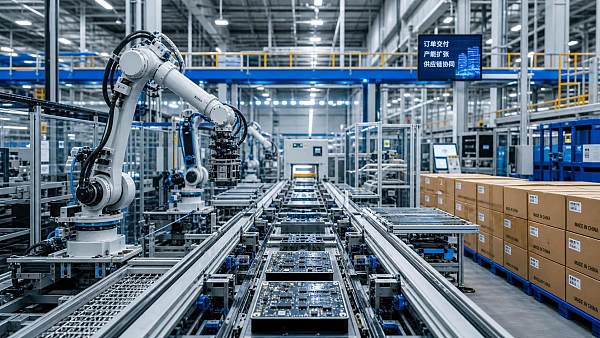
 Manufacturing Sector Updates for Investors: What Signals Matter Most in 2025?Manufacturing sector updates for investors in 2025: track orders, margins, supply chains, regulation, and exports to spot resilient manufacturers and smarter investment signals.
 How Energy Market Intelligence Helps Businesses Track Price Risks and Demand ShiftsEnergy market intelligence helps businesses spot price risks, demand shifts, and supply pressure early—improving procurement, resilience, and faster strategic decisions.









Global Trade Insights & Industry
Our mission is to empower global exporters and importers with data-driven insights that foster strategic growth.
Search News
Popular Tags
Industry Overview
The global commercial kitchen equipment market is projected to reach $112 billion by 2027. Driven by urbanization, the rise of e-commerce food delivery, and strict hygiene regulations.